
Schedules your volunteers actually fill.
A one-day event, a school year of recurring shifts, or a standing monthly routine. Set it up once and share a single link — your volunteers pick their own shifts, no account needed.
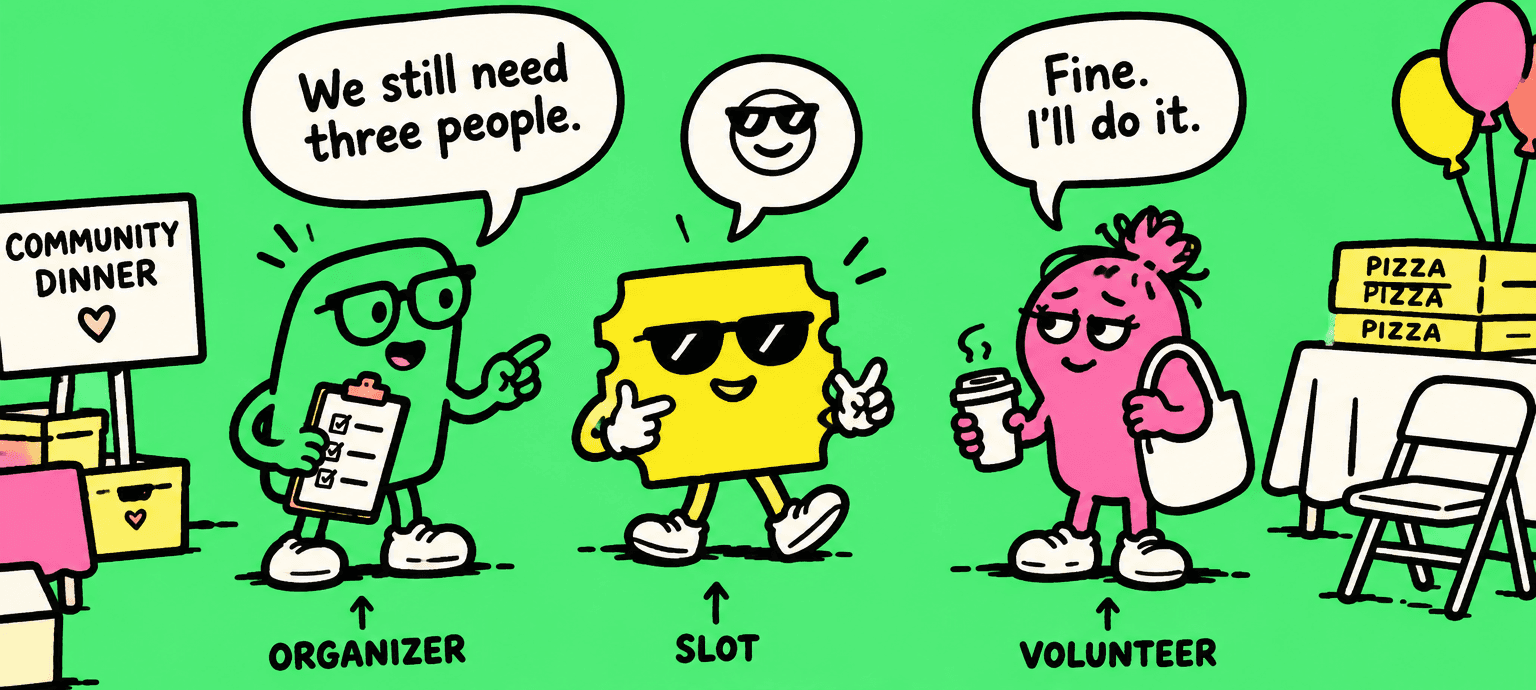

Set up your schedule
One date or every Tuesday all year. List the jobs or the things to bring, say how many people each one needs, skip the dates you're closed.
Share one link
Email it, print it, put it in the bulletin. Volunteers tick every shift they can take.
Watch it fill
See what's still short at a glance. When someone can't make it, they ask for a sub and the group covers it.
However your volunteering is shaped
One-day events
A food drive, a festival, a cleanup morning. One date, a list of jobs, done.
Recurring through the year
Reading buddies every Tuesday, pantry Sundays, a season of concessions. Set the pattern once.
Open windows
Jobs that can happen any day that week. Set the window; the volunteer names the day.
Staffing is a range, not a number
“Three to four drivers” is how the work is actually described. So a shift is short until it hits its minimum — and extra hands are still welcome after that.
Nobody chases a replacement
When someone can’t make a shift they ask for a sub in one click. Everyone else on the schedule gets the message, and the first to say yes takes it — the shift stays covered the whole time.
Bakers and helpers on one link
A bake sale needs brownies and people to work the 9–11 table. Other sign-up sites make you send two links. Here it’s one: people tick the shifts they can work and the things they can bring, all at once. Potlucks, teacher appreciation lunches and supply drives work the same way.
Ready to set up your schedule?
Set up your organization in about two minutes.